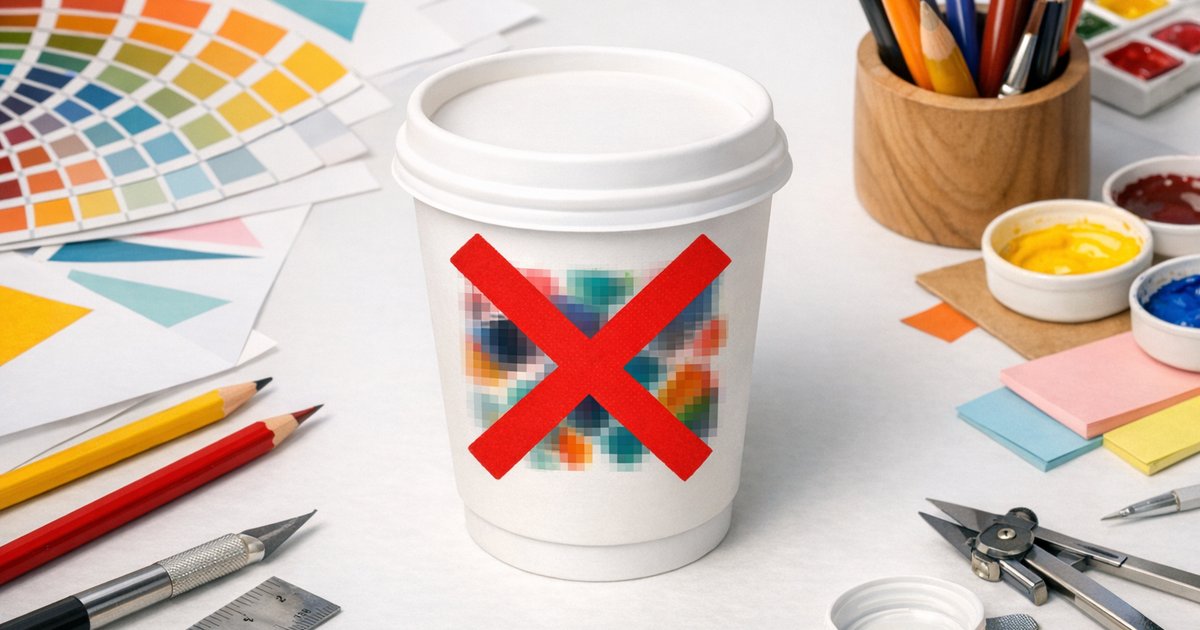
Answer: The most common coffee cup artwork mistakes are supplying RGB files instead of CMYK, using low‑resolution images, placing text or logos too close to the trim or seam, and forgetting bleed and the cup curve. These issues cause colour shifts, blurry graphics or cut‑off logos. Fix them up front — we review every file and provide free templates, a design layout service, digital proofs and a sample pack to help your custom printed coffee cups print correctly first time.
Why artwork matters for cup printing
Custom printed coffee cups are printed in full‑colour CMYK and wrap around a curved surface, so small artwork errors become very visible in the hand. As specialists in custom printed coffee cups, we check every file, provide templates and can correct minor issues — but getting artwork right up front is faster, cheaper and avoids reprints.
Top 10 coffee cup artwork mistakes (and how to avoid them)
-
RGB instead of CMYK
Problem: RGB colours often shift when converted to CMYK, so printed colours won’t match what you see on screen.
Fix: Supply artwork in CMYK. If you only have RGB files, convert them in Illustrator or Photoshop and compare against a printed proof or our sample pack.
-
Low resolution (under 300dpi)
Problem: Raster images below 300dpi look pixelated or soft on print.
Fix: Provide images at 300dpi at the final print size. Supply vector files (AI, EPS, PDF) for logos and type where possible.
-
Text and logos too close to edges
Problem: Important type close to the trim, top/bottom or seam may be trimmed or lost in the cup curve.
Fix: Keep text and logos inside the safe zone — we recommend at least 6–8mm from trim and edges. Use our templates for exact measurements.
-
Design elements over the seam
Problem: The vertical seam can distort or partially hide elements placed over it.
Fix: Treat the seam as a no‑go zone for logos, small text and fine detail. Position artwork away from the seam using our template.
-
No bleed included
Problem: Missing bleed can result in white slivers or uneven edges after trimming.
Fix: Add 3–5mm bleed around all sides and extend backgrounds/patterns into the bleed area.
-
Designing on a flat rectangle instead of a cup template
Problem: Flat files don’t show curvature, seam location or safe zones, so elements can be misplaced on the finished cup.
Fix: Always use our AI/PSD cup templates — they include trim, seam and safe‑zone guides and a mock‑up so you can preview the wrap on the cup.
-
Text too small (under 6pt)
Problem: Small type can be unreadable, especially on textured coatings or from a distance.
Fix: Use a minimum of 6pt for body text and larger sizes or bolder weights for important details.
-
Ignoring the cup curve
Problem: Long horizontal elements can look skewed or stretched once wrapped.
Fix: Use the cup mock‑up in our template and avoid extremely long single‑line graphics. We can create a digital mock‑up on request.
-
Too many elements / cluttered design
Problem: Busy designs don’t read well on a small canvas like a cup.
Fix: Simplify: aim for 1–2 focal elements, clear visual hierarchy and breathing space. Minimal, on‑brand designs perform best at point of sale.
-
Skipping a proof
Problem: Without a proof you risk colour surprises, layout issues and costly reprints.
Fix: Always request a proof. We provide digital proofs as standard and offer a physical sample pack so you can check material, print quality and colours before committing — order a sample pack.
Quick artwork specs checklist
- Colour mode: CMYK
- Raster resolution: 300dpi at final size
- Preferred file types: AI, EPS, PDF (vectors) or high‑res PSD/TIFF
- Bleed: 3–5mm
- Safe zone: 6–8mm from trim/seam
- Minimum text size: 6pt+
How we help prevent these coffee cup artwork mistakes
At CustomCoffeeCups.com.au we review every file before printing and flag common coffee cup artwork mistakes. Our standard services include:
- Free artwork templates (AI & PSD)
- Digital pre‑print proofs (included)
- Full‑colour CMYK printing and colour advice
Ordering essentials
- Minimum order: 500 cups
- Cup types: Single‑wall (PE), Double‑wall (PE) and Compostable (PLA/CPLA)
- Sizes: 8oz, 12oz and 16oz (16oz available single‑wall only)
- Standard production: 10 business days plus 2–3 days metropolitan freight
- Rush production: 5–7 business days
- Free: templates
For current prices, see the printed coffee cups page.
Final tips
- Use our complete buyer’s guide for help choosing cup types and sizes.
- Supply vector logos, include bleed and request a proof — it’s cheaper than a reprint.
- Keep designs simple and test on a sample cup to confirm legibility and colour.
Need help checking your artwork? Upload your files and we’ll review them for colour, bleed, seam placement and readability before you commit. For a hands‑on check, order a sample pack or view our range on the printed coffee cups product page.
Call to action: Ready to avoid common coffee cup artwork mistakes? Order a sample pack or start a custom order today — we’ll provide templates, a pre‑print proof and expert advice so your cups look great in the hands of your customers.